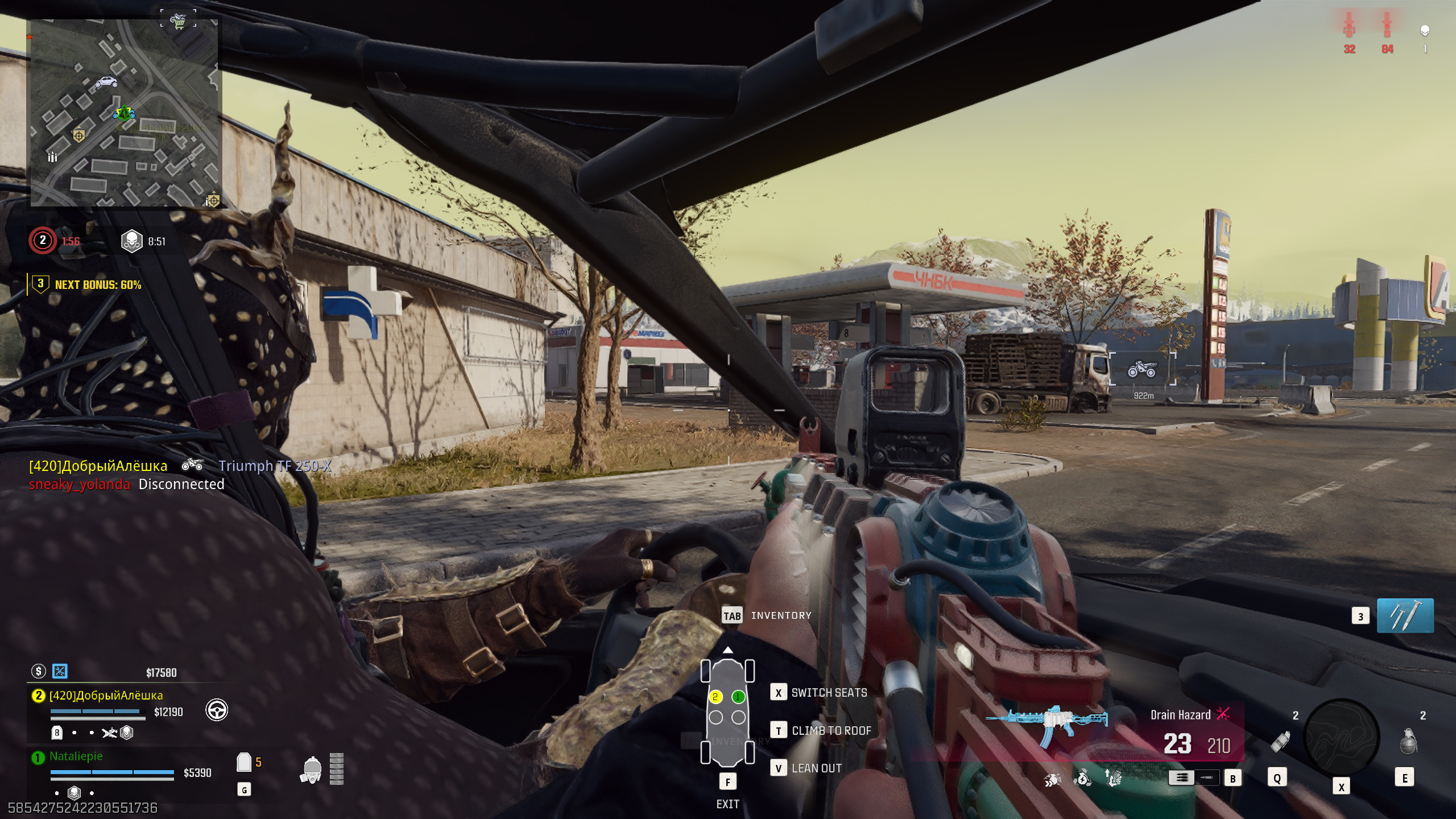
Warzone 2025 delivers stunning visuals and massive maps—but all that beauty means nothing if your performance lags. Whether you’re playing on a high-end rig or a mid-tier setup, optimizing graphics settings can significantly boost FPS, reduce input delay, and enhance visual clarity. Smooth performance directly translates to better aim, faster reactions, and overall gameplay consistency.
This guide walks you through the best graphics and performance settings for Warzone 2025, helping you find the perfect balance between visual quality and competitive responsiveness.
Prioritize Frame Rate Over Graphics
In competitive shooters like Warzone, smooth performance always beats high detail. A consistent 100+ FPS gives better hit registration and reduced visual latency. Lowering GPU-heavy settings can drastically improve stability without sacrificing clarity. Start by setting textures and effects to medium, while disabling post-processing filters like motion blur and film grain.
Players on 144Hz or 240Hz monitors should always prioritize achieving stable frame rates that match their display refresh rates—this ensures buttery-smooth motion for tracking moving targets.
Recommended Settings for Competitive Play
The following table provides a detailed breakdown of optimized settings that balance quality and performance across most hardware configurations:
| Setting | Recommended Value | Performance Impact |
|---|---|---|
| Texture Resolution | Medium | Minimal quality loss, strong performance boost |
| Shadow Quality | Low | Significant FPS improvement |
| Particle Effects | Low | Reduces GPU load during explosions |
| Anti-Aliasing | Film SMAA T2X | Clean edges, minimal FPS drop |
| Depth of Field | Off | Improves visibility and reduces blur |
| V-Sync | Off | Minimizes input lag |
| Render Resolution | 90% | Balances clarity with smoother performance |
These settings ensure visual clarity while maintaining responsiveness—crucial for spotting enemies fast and reacting under pressure.
Optimize Display and FOV Settings
Running the game in Fullscreen Exclusive mode provides the best input latency and stability. Adjust your Field of View (FOV) to between 105–115 depending on preference; higher FOV enhances awareness but can distort target size. For console players, Performance Mode should be prioritized over Quality Mode to maintain consistent FPS.

Disable motion blur and film grain entirely—they add visual clutter and can obscure targets in fast-paced fights.
System and Driver Optimization
Performance isn’t just about in-game settings. Keeping your GPU drivers, Windows updates, and background processes optimized ensures the best results. Close unnecessary apps like browsers, Discord overlays, or recording software before launching Warzone.
For NVIDIA users, enabling DLSS Quality Mode offers an easy FPS boost without visible degradation. AMD users can use FSR 2.0 for similar benefits.
Improving Stability and Reducing Stutters
Stutters often occur when the game loads new textures or assets during matches. Setting texture streaming to low and enabling a high VRAM allocation limit helps mitigate this issue. Lock your FPS to a consistent value just below your monitor’s refresh rate—this prevents unnecessary GPU spikes and reduces overheating.
Console users should regularly clear cache data and restart between long sessions to prevent memory buildup that causes performance drops.
Performance Tips for Low-End Systems
Even players with modest hardware can enjoy a competitive Warzone experience by making smart compromises. Lower resolution scaling (down to 85%) and disable all ray-tracing effects. Keep texture filtering at 4x and shadows off entirely for maximum FPS. Consider using upscaling tools like NVIDIA Image Scaling to maintain image sharpness.

Reducing visual clutter doesn’t just boost FPS—it also improves focus by highlighting essential elements like enemies and cover.
Conclusion
Optimizing Warzone 2025 for performance is about balance—sacrificing visual excess for consistent responsiveness. With the right settings, you’ll gain smoother aim control, reduced lag, and clearer visuals without needing top-tier hardware. Stable performance wins gunfights more reliably than graphics ever will.
In Warzone, every frame matters—make each one count toward victory.